VBA Password Remover (Free Tool)
Remove forgotten VBA project passwords from .xlsm, .xlsb, .xlam, and .xls files locally in your browser.
Drop your Excel file here
.xlsm, .xlsb, .xlam or .xls file
How VBA Password Remover (Free Tool) Works Privately in Your Browser
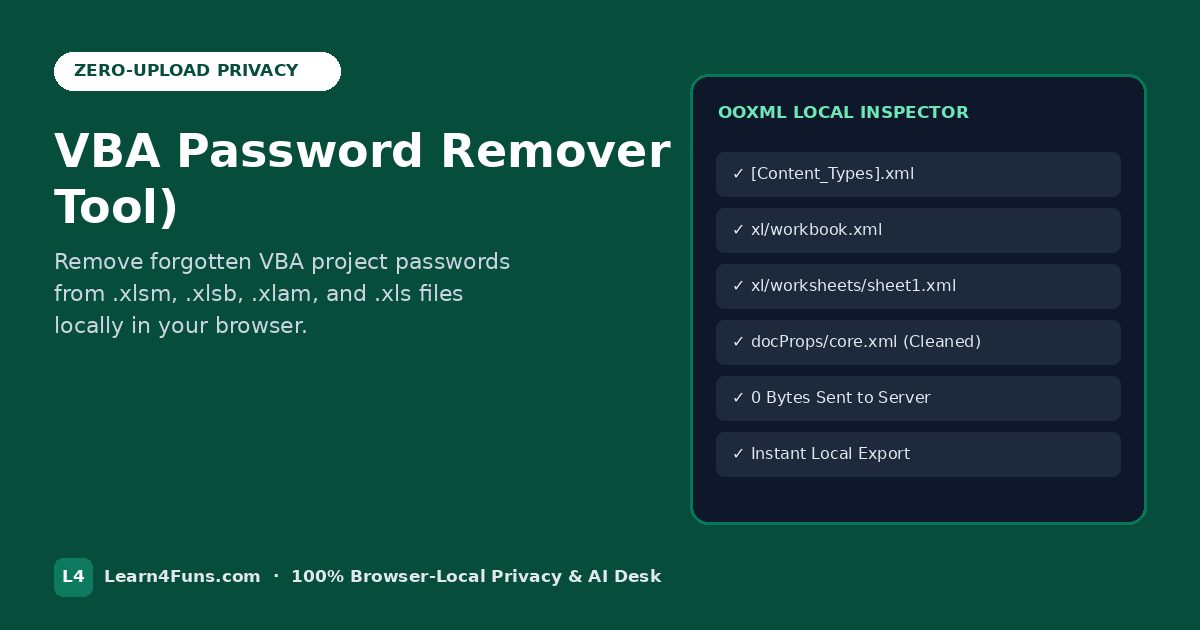
Unlike cloud spreadsheet sites that upload confidential payroll workbooks, GST/ITR tax returns, client invoices, and HR sheets to remote servers, VBA Password Remover (Free Tool) runs 100% locally inside your browser tab using client-side JavaScript. Zero bytes ever leave your computer or phone, and your processed file downloads instantly with zero sign-up or daily limits.
Supported Formats & Compatibility: .xlsm · .xlsb · .xlam · .xls — compatible with Microsoft Excel 365, Excel 2021/2019/2016, LibreOffice Calc, Google Sheets, and Apple Numbers on Windows, macOS, Android, and iOS.
Step-by-Step Guide: Using VBA Password Remover (Free Tool)
- Select or Drag-and-Drop Your File: Click Choose file inside the green Excel workbench box above (or drag your workbook directly onto the dashed area). The file loads strictly into local browser RAM.
- Automatic Local Processing: Watch the dual Local Upload Progress and Local Processing Progress bars complete in milliseconds. Every XML part, formula, or cell value is processed on your own CPU without server queues.
- Verify the Result Summary: As soon as processing finishes, the workbench transforms into a confirmation card showing exactly what was processed and the exact output filename.
- Download & Open in Excel: Click the green Download button to save your clean file immediately, or click Process/Unlock another file to handle your next workbook right away.
Why Local-First Browser Tools Beat Traditional Cloud Converters
| Feature | Learn4Funs (Browser-Local) | Cloud Upload Websites |
|---|---|---|
| Data Privacy | 100% Private (0 bytes uploaded) | Uploaded to remote third-party servers |
| Processing Speed | Instant (runs on your own device) | Slow upload/download wait queues |
| File Size & Daily Limits | No account, no paywall, unlimited runs | Often capped at 2–3 files/day |
| .XLSM Macro Safety | Preserves valid OOXML & Content_Types | Frequently corrupts macro extensions |
Best Practices & Troubleshooting Tips
- Keep a Backup Copy: Because our tool never overwrites your original file (it generates a brand-new download with a clean suffix), your original workbook remains untouched as a safe backup.
- Opening Macro-Enabled Files (.xlsm): If Windows shows a yellow Security Risk: Microsoft has blocked macros banner on a downloaded
.xlsmfile, right-click the file in File Explorer → Properties → check Unblock → OK. - Encrypted Open-Password Files: Standard worksheet protection, workbook structure locks, and VBA project passwords are removed cleanly in seconds. Full AES file-open encryption requires the original password by Microsoft design.
- Works Offline After Load: Once this page finishes loading in Chrome, Edge, Firefox, or Safari, you can even disconnect from Wi-Fi and still run VBA Password Remover (Free Tool) locally.
Frequently Asked Questions About VBA Password Remover (Free Tool)
Does VBA Password Remover (Free Tool) upload my file to any server?
No. All processing happens strictly inside your browser memory on your computer or phone. Zero bytes are transmitted to our servers.
Is VBA Password Remover (Free Tool) completely free to use?
Yes—100% free with no sign-up, no watermarks, and unlimited local runs.
Will the downloaded Excel file open cleanly in Microsoft Excel?
Yes. Every generated .xlsx/.xlsm file preserves valid OOXML archive structure and opens cleanly in Microsoft Excel, LibreOffice, and Google Sheets.