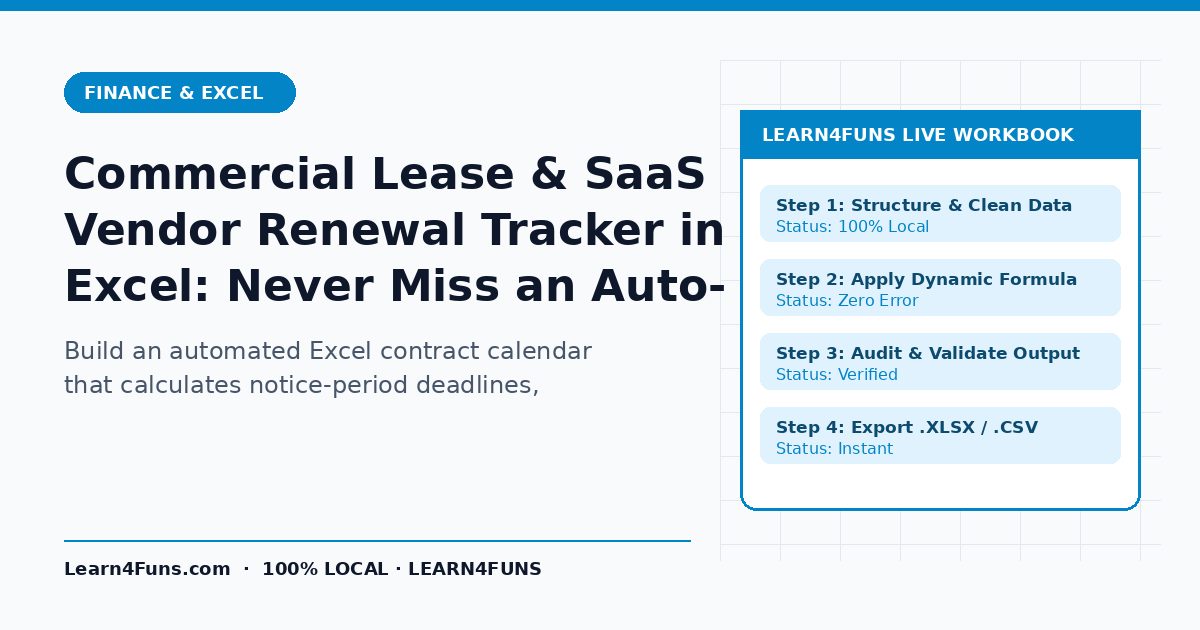
Build an automated Excel contract calendar that calculates notice-period deadlines, annual rent escalations, and upcoming SaaS renewals 90 days ahead. This human-written Learn4Funs guide breaks down the exact workflow, structure, and privacy-first practices you can apply immediately alongside our local browser tools (Online Excel Editor and Monthly Budget Template).
Why This Matters Right Now
A single missed 60-day opt-out notice on an office lease or enterprise software contract can lock a company into $15,000+ of unwanted spend. Rather than relying on vague theory or bloated paid add-ons, the checklist below focuses on repeatable steps that hold up under real deadlines on both desktop and mobile.
Step-by-Step Implementation Guide
1. Capture exact Notice_Window_Days for every contract
Log Vendor, Contract_Start, Contract_End, Monthly_Cost, Escalation_Pct, and Notice_Days (e.g., 30, 60, or 90).
2. Auto-calculate the hard Opt-Out Deadline
Write =Contract_End - Notice_Days and compute Days_Remaining = Opt_Out_Deadline - TODAY().
3. Add color-coded 90 / 60 / 30-day status flags
Use =IFS(Days_Rem<0,"Expired/Locked", Days_Rem<=30,"URGENT", Days_Rem<=90,"Review Now", TRUE,"Active") with conditional formatting.
4. Model multi-year escalation costs
Project Year 2 and Year 3 annual spend with =Annual_Cost * (1 + Escalation_Pct) so finance budgets stay accurate.
Common Pitfalls & How to Avoid Them
Watch out for this mistake: Always check whether a contract specifies 'calendar days' or 'business days' for termination notices and add a 7-day safety buffer. Taking two minutes to run a quick validation check before sharing or publishing prevents hours of rework later.
Recommended Free Browser Tools
Every utility on Learn4Funs executes 100% locally in your browser with zero file uploads to any server. Pair this guide directly with Online Excel Editor and Monthly Budget Template to test your own files or copy-paste outputs privately.
Frequently Asked Questions
How often should operations teams review their vendor renewal tracker?
A 10-minute review on the first Monday of every month catches every 60- and 90-day renewal window with plenty of leverage to renegotiate.
Does Learn4Funs upload my files or text when I use these tools?
No. All 190+ Excel, VBA, and Fancy Text utilities run locally inside your browser's memory—zero bytes are ever transmitted to a remote server.