To-Do List Excel Template (Printable & Digital)
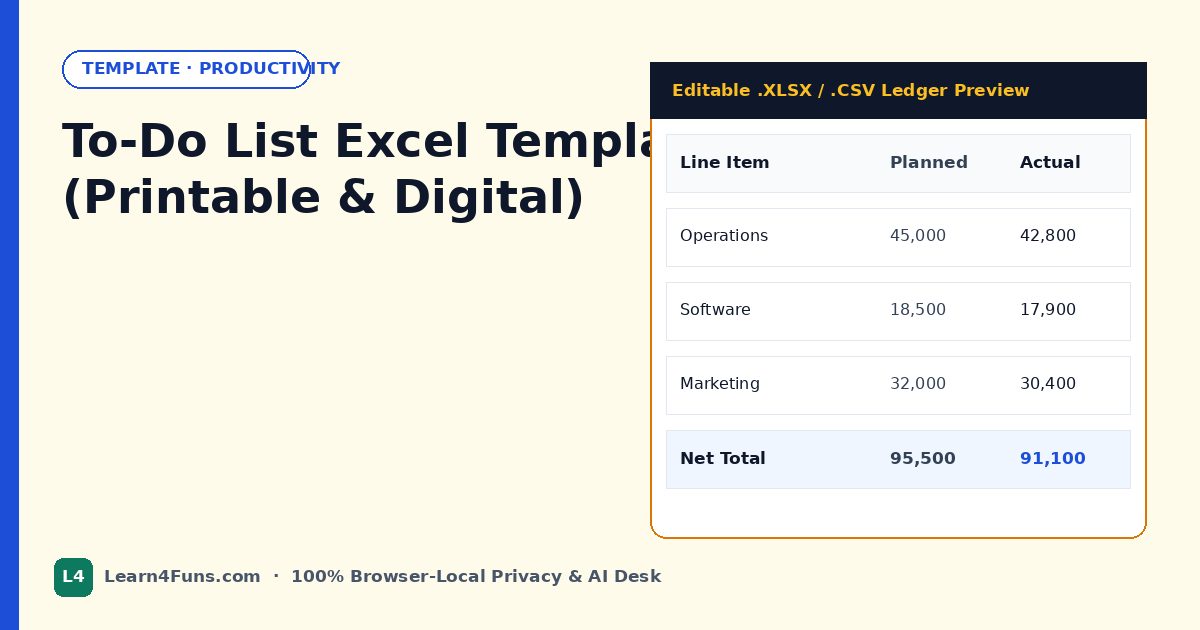
Editable task checklist workbook with priority, owner, due date, and completion status.
.xlsx workbook.How To-Do List Excel Template (Printable & Digital) Works Privately in Your Browser
Unlike cloud spreadsheet sites that upload confidential payroll workbooks, GST/ITR tax returns, client invoices, and HR sheets to remote servers, To-Do List Excel Template (Printable & Digital) runs 100% locally inside your browser tab using client-side JavaScript. Zero bytes ever leave your computer or phone, and your processed file downloads instantly with zero sign-up or daily limits.
Supported Formats & Compatibility: .xlsx · .csv — compatible with Microsoft Excel 365, Excel 2021/2019/2016, LibreOffice Calc, Google Sheets, and Apple Numbers on Windows, macOS, Android, and iOS.
Step-by-Step Guide: Using To-Do List Excel Template (Printable & Digital)
- Select or Drag-and-Drop Your File: Click Choose file inside the green Excel workbench box above (or drag your workbook directly onto the dashed area). The file loads strictly into local browser RAM.
- Automatic Local Processing: Watch the dual Local Upload Progress and Local Processing Progress bars complete in milliseconds. Every XML part, formula, or cell value is processed on your own CPU without server queues.
- Verify the Result Summary: As soon as processing finishes, the workbench transforms into a confirmation card showing exactly what was processed and the exact output filename.
- Download & Open in Excel: Click the green Download button to save your clean file immediately, or click Process/Unlock another file to handle your next workbook right away.
Why Local-First Browser Tools Beat Traditional Cloud Converters
| Feature | Learn4Funs (Browser-Local) | Cloud Upload Websites |
|---|---|---|
| Data Privacy | 100% Private (0 bytes uploaded) | Uploaded to remote third-party servers |
| Processing Speed | Instant (runs on your own device) | Slow upload/download wait queues |
| File Size & Daily Limits | No account, no paywall, unlimited runs | Often capped at 2–3 files/day |
| .XLSM Macro Safety | Preserves valid OOXML & Content_Types | Frequently corrupts macro extensions |
Best Practices & Troubleshooting Tips
- Keep a Backup Copy: Because our tool never overwrites your original file (it generates a brand-new download with a clean suffix), your original workbook remains untouched as a safe backup.
- Opening Macro-Enabled Files (.xlsm): If Windows shows a yellow Security Risk: Microsoft has blocked macros banner on a downloaded
.xlsmfile, right-click the file in File Explorer → Properties → check Unblock → OK. - Encrypted Open-Password Files: Standard worksheet protection, workbook structure locks, and VBA project passwords are removed cleanly in seconds. Full AES file-open encryption requires the original password by Microsoft design.
- Works Offline After Load: Once this page finishes loading in Chrome, Edge, Firefox, or Safari, you can even disconnect from Wi-Fi and still run To-Do List Excel Template (Printable & Digital) locally.
Frequently Asked Questions About To-Do List Excel Template (Printable & Digital)
Does To-Do List Excel Template (Printable & Digital) upload my file to any server?
No. All processing happens strictly inside your browser memory on your computer or phone. Zero bytes are transmitted to our servers.
Is To-Do List Excel Template (Printable & Digital) completely free to use?
Yes—100% free with no sign-up, no watermarks, and unlimited local runs.
Will the downloaded Excel file open cleanly in Microsoft Excel?
Yes. Every generated .xlsx/.xlsm file preserves valid OOXML archive structure and opens cleanly in Microsoft Excel, LibreOffice, and Google Sheets.