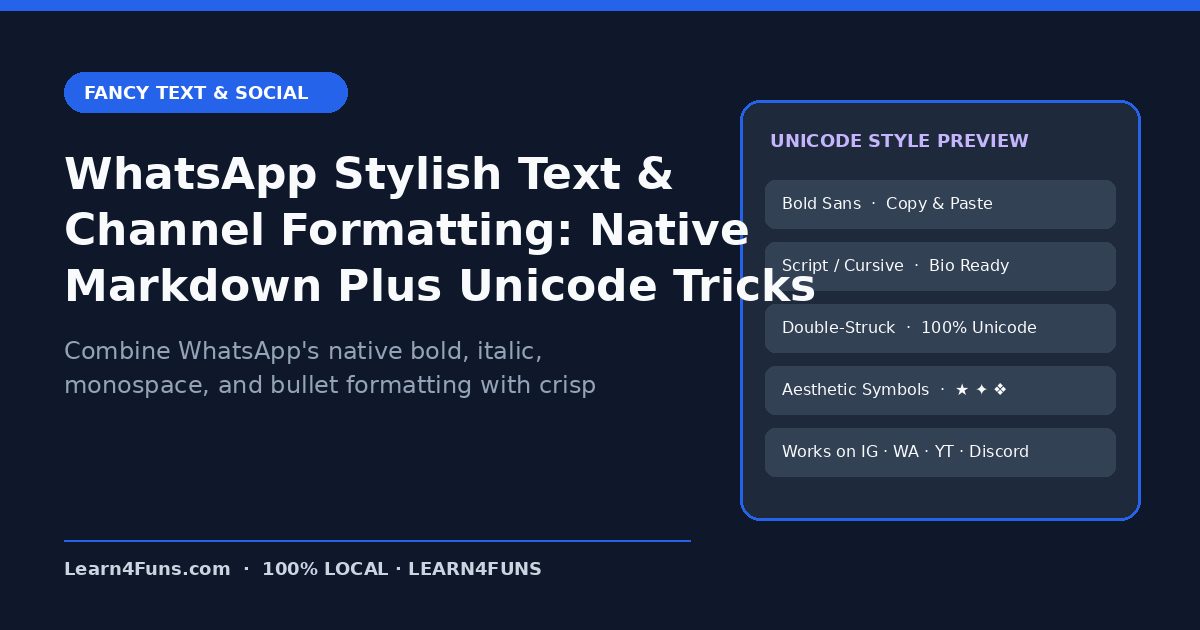
Combine WhatsApp's native bold, italic, monospace, and bullet formatting with crisp Unicode headers to make your WhatsApp Channel posts stand out. This human-written Learn4Funs guide breaks down the exact workflow, structure, and privacy-first practices you can apply immediately alongside our local browser tools (Fancy Text Generator Hub and Bold Text Generator).
Why This Matters Right Now
WhatsApp Channels are one of the highest-engagement distribution tools in India and globally—clean formatting doubles read-through rates. Rather than relying on vague theory or bloated paid add-ons, the checklist below focuses on repeatable steps that hold up under real deadlines on both desktop and mobile.
Step-by-Step Implementation Guide
1. Master WhatsApp's built-in formatting shortcuts
Wrap text in *bold*, _italic_, ~strikethrough~, or ```monospace```, and start lines with > for blockquotes or - for clean bullets.
2. Use Unicode small caps for section labels
Labels like ɴᴇᴡ ᴛᴏᴏʟ or ᴅᴀɪʟʏ ᴛɪᴘ create visual hierarchy inside long WhatsApp Channel updates without needing extra images.
3. Add scannable status indicators
Pair short sentences with restrained Unicode arrows (→, ▸) so mobile readers spot the link in 2 seconds.
4. Preview before hitting send on a broadcast
Send your formatted update to your own 'Message Yourself' chat first to verify line breaks and link preview thumbnails.
Common Pitfalls & How to Avoid Them
Watch out for this mistake: Avoid stacking Zalgo or overly tall glitch characters in WhatsApp—they overlap adjacent lines and make readers mute the channel. Taking two minutes to run a quick validation check before sharing or publishing prevents hours of rework later.
Recommended Free Browser Tools
Every utility on Learn4Funs executes 100% locally in your browser with zero file uploads to any server. Pair this guide directly with Fancy Text Generator Hub and Bold Text Generator to test your own files or copy-paste outputs privately.
Frequently Asked Questions
Will fancy Unicode text break clickable links in WhatsApp?
Never style the URL itself—keep https:// links in plain text with a normal space before and after so WhatsApp generates the rich preview card.
Does Learn4Funs upload my files or text when I use these tools?
No. All 190+ Excel, VBA, and Fancy Text utilities run locally inside your browser's memory—zero bytes are ever transmitted to a remote server.