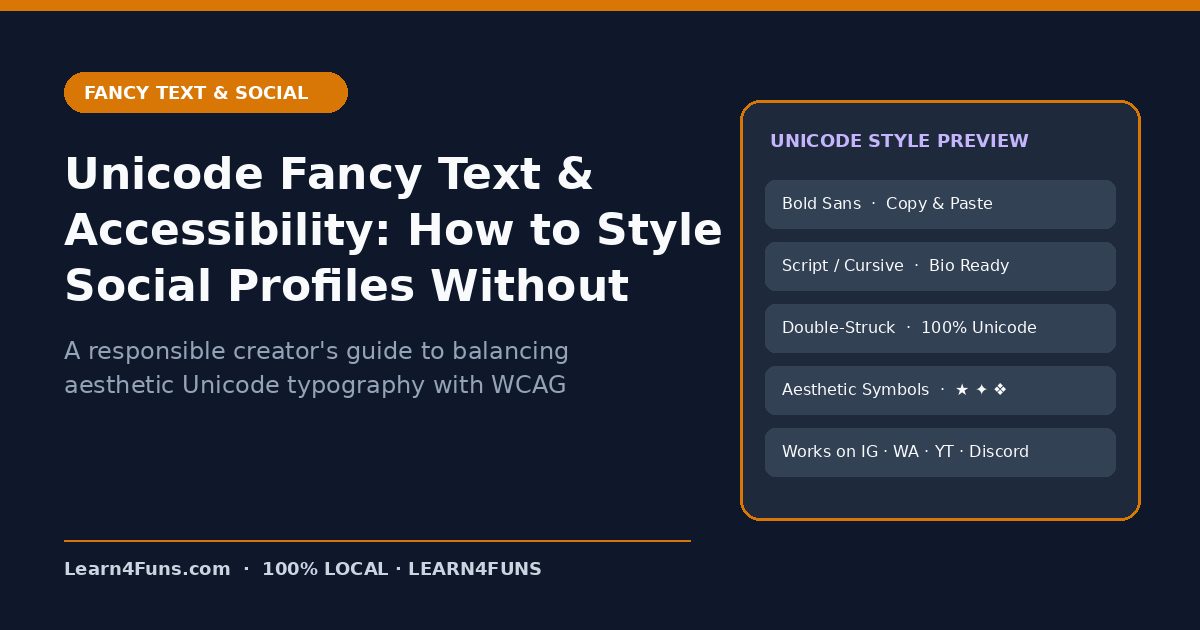
A responsible creator's guide to balancing aesthetic Unicode typography with WCAG accessibility, screen-reader clarity, and search engine indexing. This human-written Learn4Funs guide breaks down the exact workflow, structure, and privacy-first practices you can apply immediately alongside our local browser tools (Fancy Text Generator Hub and Small Text Generator).
Why This Matters Right Now
Smart creators know when Unicode enhances visual hierarchy and when standard text protects accessibility and SEO reach. Rather than relying on vague theory or bloated paid add-ons, the checklist below focuses on repeatable steps that hold up under real deadlines on both desktop and mobile.
Step-by-Step Implementation Guide
1. Never style critical instructions or phone numbers
Screen readers announce mathematical bold letters as 'Mathematical Sans-Serif Bold Capital A', making long styled paragraphs painful to listen to.
2. Limit fancy text to short 1–4 word labels
Use Unicode sparingly for decorative names, dividers, or short badges rather than full sentences.
3. Always use plain text on website H1s and meta tags
On blogs and tool pages, style typography with CSS fonts—never Unicode substitutions—so Google indexes every keyword accurately.
4. Test your social bio with VoiceOver or TalkBack
A 10-second check on your phone immediately reveals whether your bio reads cleanly aloud.
Common Pitfalls & How to Avoid Them
Watch out for this mistake: Replacing brand names with lookalike Cyrillic or Mathematical letters can also trigger anti-spam filters on ad platforms. Taking two minutes to run a quick validation check before sharing or publishing prevents hours of rework later.
Recommended Free Browser Tools
Every utility on Learn4Funs executes 100% locally in your browser with zero file uploads to any server. Pair this guide directly with Fancy Text Generator Hub and Small Text Generator to test your own files or copy-paste outputs privately.
Frequently Asked Questions
Is Unicode fancy text safe for website URLs or slugs?
No—always keep URLs in lowercase ASCII letters and hyphens, and save Unicode styles for social media bios and visual callouts.
Does Learn4Funs upload my files or text when I use these tools?
No. All 190+ Excel, VBA, and Fancy Text utilities run locally inside your browser's memory—zero bytes are ever transmitted to a remote server.