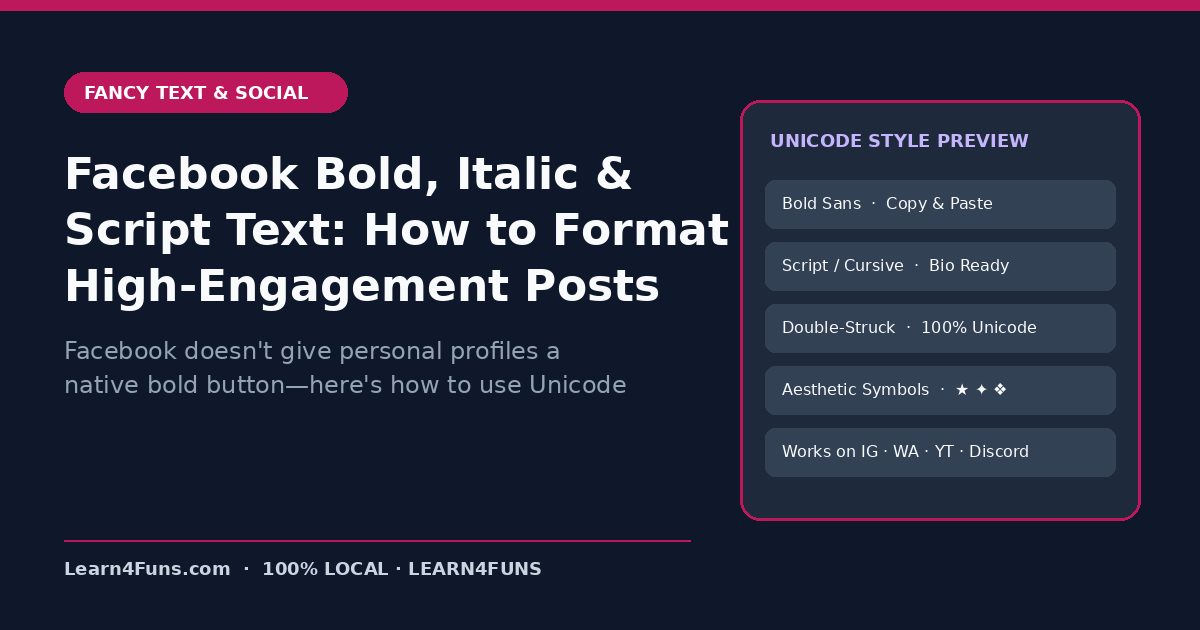
Facebook doesn't give personal profiles a native bold button—here's how to use Unicode bold and italic styling tastefully to boost post readability. This human-written Learn4Funs guide breaks down the exact workflow, structure, and privacy-first practices you can apply immediately alongside our local browser tools (Bold Text Generator and Cursive Text Generator).
Why This Matters Right Now
Long text walls get scrolled past on Facebook feeds. Bold lead-ins and clear spacing stop the thumb and raise comment rates. Rather than relying on vague theory or bloated paid add-ons, the checklist below focuses on repeatable steps that hold up under real deadlines on both desktop and mobile.
Step-by-Step Implementation Guide
1. Bold only the hook line and sub-headings
Style your opening hook in Mathematical Bold Sans (𝗛𝗼𝘄 𝘁𝗼 𝗙𝗶𝘅 𝗘𝘅𝗰𝗲𝗹 𝗘𝗿𝗿𝗼𝗿𝘀 𝗶𝗻 𝟯𝟬 𝗦𝗲𝗰𝗼𝗻𝗱𝘀) and keep body paragraphs in normal text.
2. Use generous single-line spacing
Keep mobile paragraphs to 1–2 short sentences so Facebook's 'See More' fold reveals a clean, inviting preview.
3. Highlight your call-to-action cleanly
Pair a single arrow (→) with a clear prompt to read the full guide or join your WhatsApp Channel.
4. Copy directly from a zero-upload local generator
Generate and preview your post locally in the browser with zero popups or tracking scripts.
Common Pitfalls & How to Avoid Them
Watch out for this mistake: Don't bold an entire 300-word post—when everything is bold, nothing stands out and readers experience eye fatigue. Taking two minutes to run a quick validation check before sharing or publishing prevents hours of rework later.
Recommended Free Browser Tools
Every utility on Learn4Funs executes 100% locally in your browser with zero file uploads to any server. Pair this guide directly with Bold Text Generator and Cursive Text Generator to test your own files or copy-paste outputs privately.
Frequently Asked Questions
Why does Facebook allow Unicode bold text?
Because Mathematical Alphanumeric Symbols are standard Unicode characters supported natively by iOS, Android, Windows, and macOS.
Does Learn4Funs upload my files or text when I use these tools?
No. All 190+ Excel, VBA, and Fancy Text utilities run locally inside your browser's memory—zero bytes are ever transmitted to a remote server.