Understand the difference between sheet protection, workbook structure lock, and open passwords—and lift sheet locks on your own files locally. In this practical, human-written Learn4Funs guide, we show you the exact browser-first workflow, formulas, and best practices so you can solve this task cleanly in minutes.
Practical Method & Step-by-Step Guide
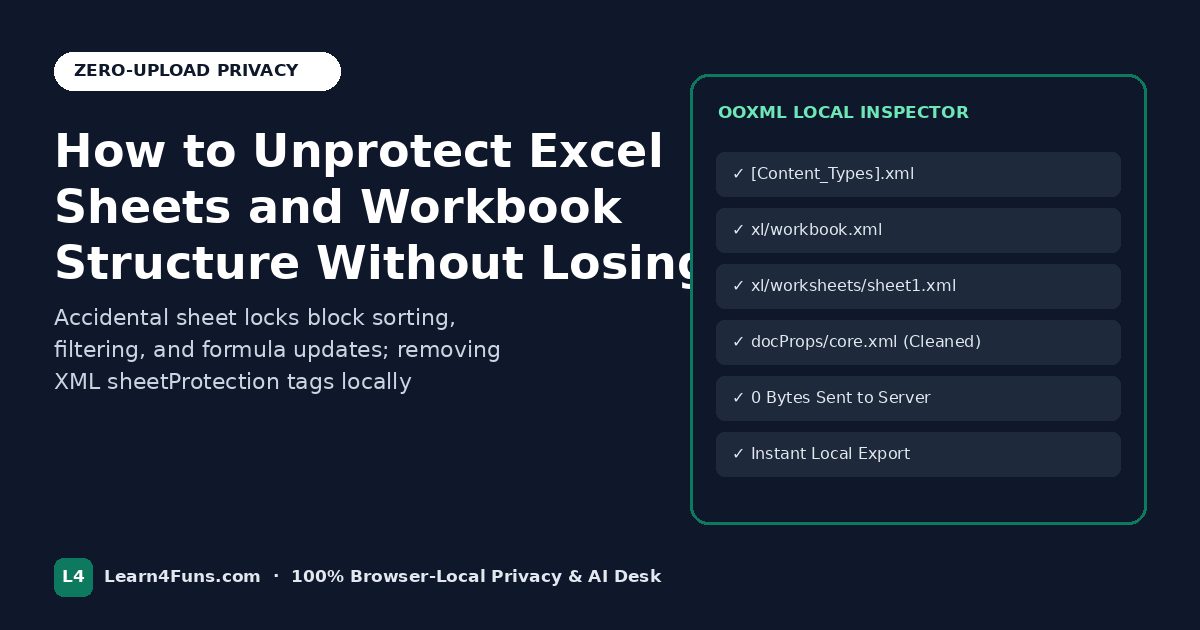
Drop your .xlsx or .xlsm file into our Unprotect Excel Sheets tool to strip worksheet lock tags cleanly while preserving every formula, chart, and format.
- Keep a backup first: Always keep a clean original copy of important workbooks before modifying structure, macros, or formulas.
- Run locally in your browser: Open our Unprotect Excel Sheets Without Password—every calculation and file transformation executes strictly on your computer or mobile device with 0 bytes uploaded to any server.
- Verify the output in Excel: Download the generated file, inspect totals and edge cases, and scrub hidden author properties with our Excel Metadata Remover before sharing externally.
Common Pitfalls to Avoid
- Confusing protection types: Remember that worksheet protection, workbook structure locks, VBA project passwords, and AES-256 open-file passwords are four separate Excel security mechanisms.
- Uploading sensitive files to unknown cloud tools: Financial models, HR trackers, and client macro workbooks should stay strictly on your local device.
Frequently Asked Questions
Does the Learn4Funs companion tool work on mobile and desktop?
Yes. Every tool runs natively inside Chrome, Safari, Edge, and Firefox without installing Microsoft Office or browser plugins.
What should I read next?
Explore our related guides on How Unicode Fancy Text Really Works on Instagram, WhatsApp, LinkedIn & Discord and Creating Pro Gaming Nicknames & Clan Tags for BGMI, Free Fire, Valorant & Discord, or browse all 190+ free local tools.