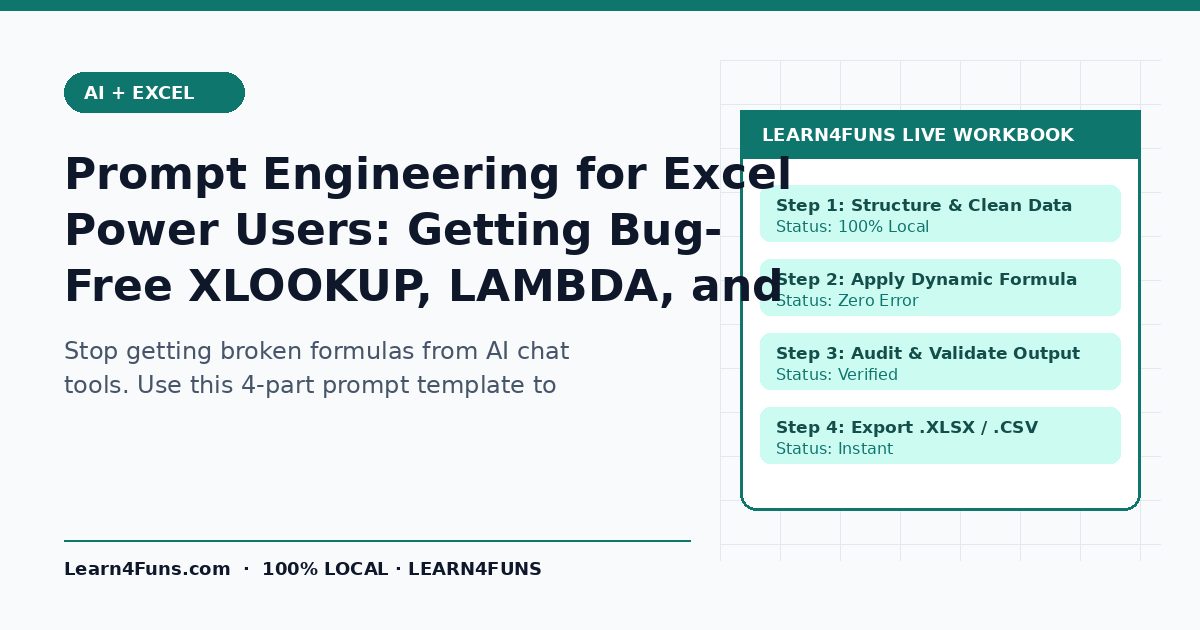
Stop getting broken formulas from AI chat tools. Use this 4-part prompt template to specify exact sheet names, Excel version, and locale separators. This human-written Learn4Funs guide breaks down the exact workflow, structure, and privacy-first practices you can apply immediately alongside our local browser tools (Excel Formula Generator and VBA Password Remover).
Why This Matters Right Now
Most AI formula errors happen because the prompt omits Excel version compatibility, regional semicolon delimiters, or whether headers live on Row 1. Rather than relying on vague theory or bloated paid add-ons, the checklist below focuses on repeatable steps that hold up under real deadlines on both desktop and mobile.
Step-by-Step Implementation Guide
1. Declare your exact Excel version up front
State whether you use Excel 365, Excel 2021, or Excel 2019—otherwise AI may return GROUPBY or TEXTSPLIT formulas that throw #NAME? errors on older builds.
2. Provide a 3-row markdown header sample
Show exact column letters (A: Date, B: SKU, C: Region, D: Revenue) and cell types so the model returns copy-paste-ready cell references.
3. Request explicit error wrapping and edge cases
Ask for IFNA or IFERROR handling and clarify whether blanks should evaluate as zero or stay empty.
4. Ask for a plain-English audit line
Have the model explain each nested argument in one bullet so you can verify logic before pasting into a board-level workbook.
Common Pitfalls & How to Avoid Them
Watch out for this mistake: Always check comma vs. semicolon argument separators if your Windows regional settings use European or Latin American number formatting. Taking two minutes to run a quick validation check before sharing or publishing prevents hours of rework later.
Recommended Free Browser Tools
Every utility on Learn4Funs executes 100% locally in your browser with zero file uploads to any server. Pair this guide directly with Excel Formula Generator and VBA Password Remover to test your own files or copy-paste outputs privately.
Frequently Asked Questions
Why does AI-generated VBA sometimes fail with Compile Error?
Usually because it references a worksheet name that doesn't exist or omits Dim declarations under Option Explicit. Always test on a backup copy first.
Does Learn4Funs upload my files or text when I use these tools?
No. All 190+ Excel, VBA, and Fancy Text utilities run locally inside your browser's memory—zero bytes are ever transmitted to a remote server.